Your workspace, ready to continue
Projects open faster, the top of the dashboard takes less room, and you can keep your place across drawings and projects.
1Less header, more of your project New
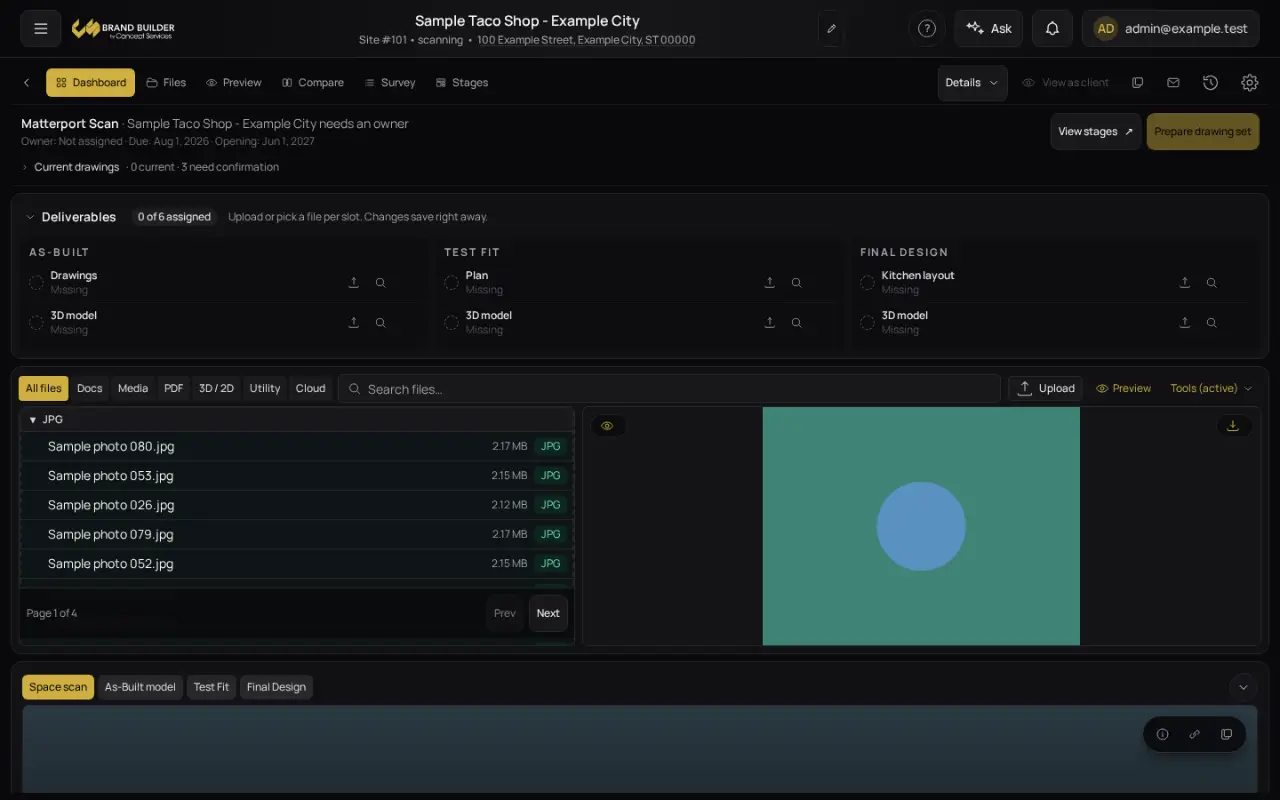
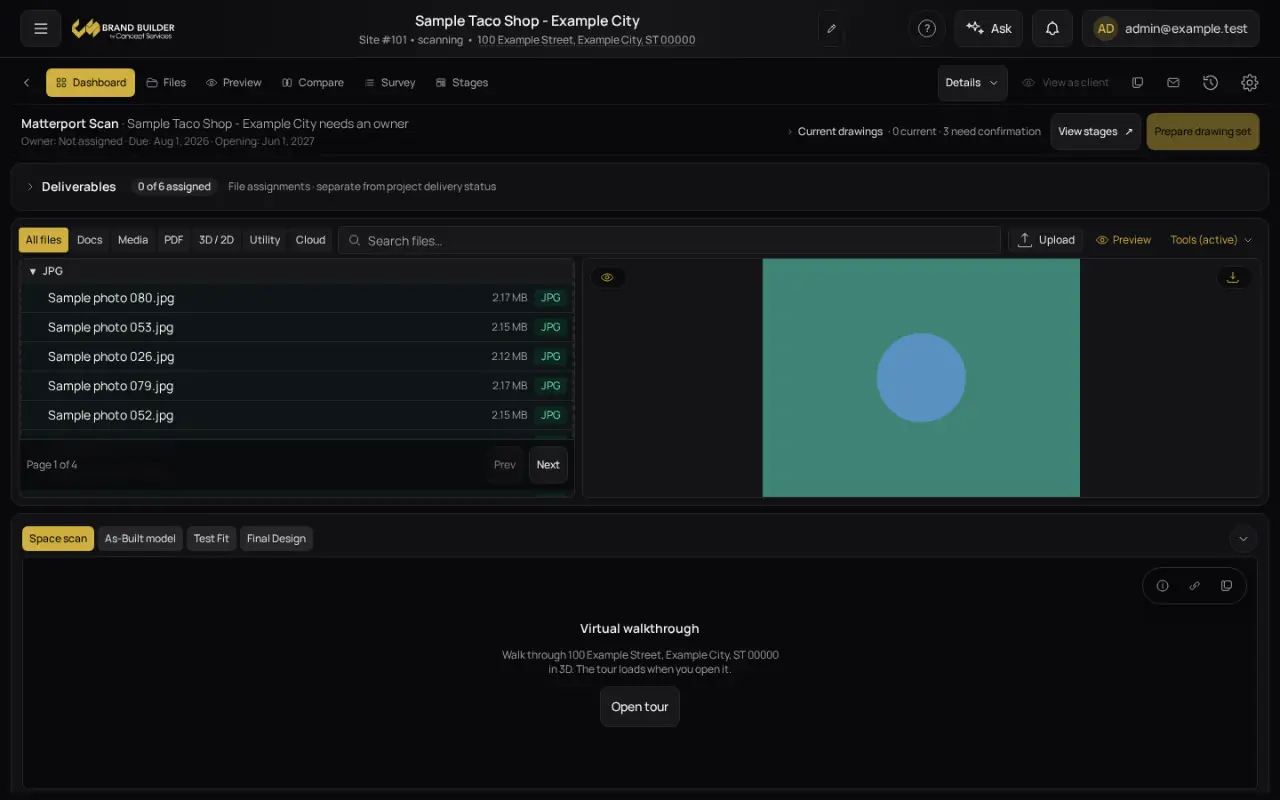
The status and Deliverables area above your files is now compact: status and next action sit on one row, the drawings list opens beside it, and Deliverables starts as a single summary line you can open. The file list and preview get the room.
2Projects open faster New
The file list now appears as soon as it arrives instead of waiting while every file is checked one by one, and the project and its files load together. Projects with many drawings and photos gain the most. The 3D tour no longer starts in the background on every visit.
3Return to the same drawing New
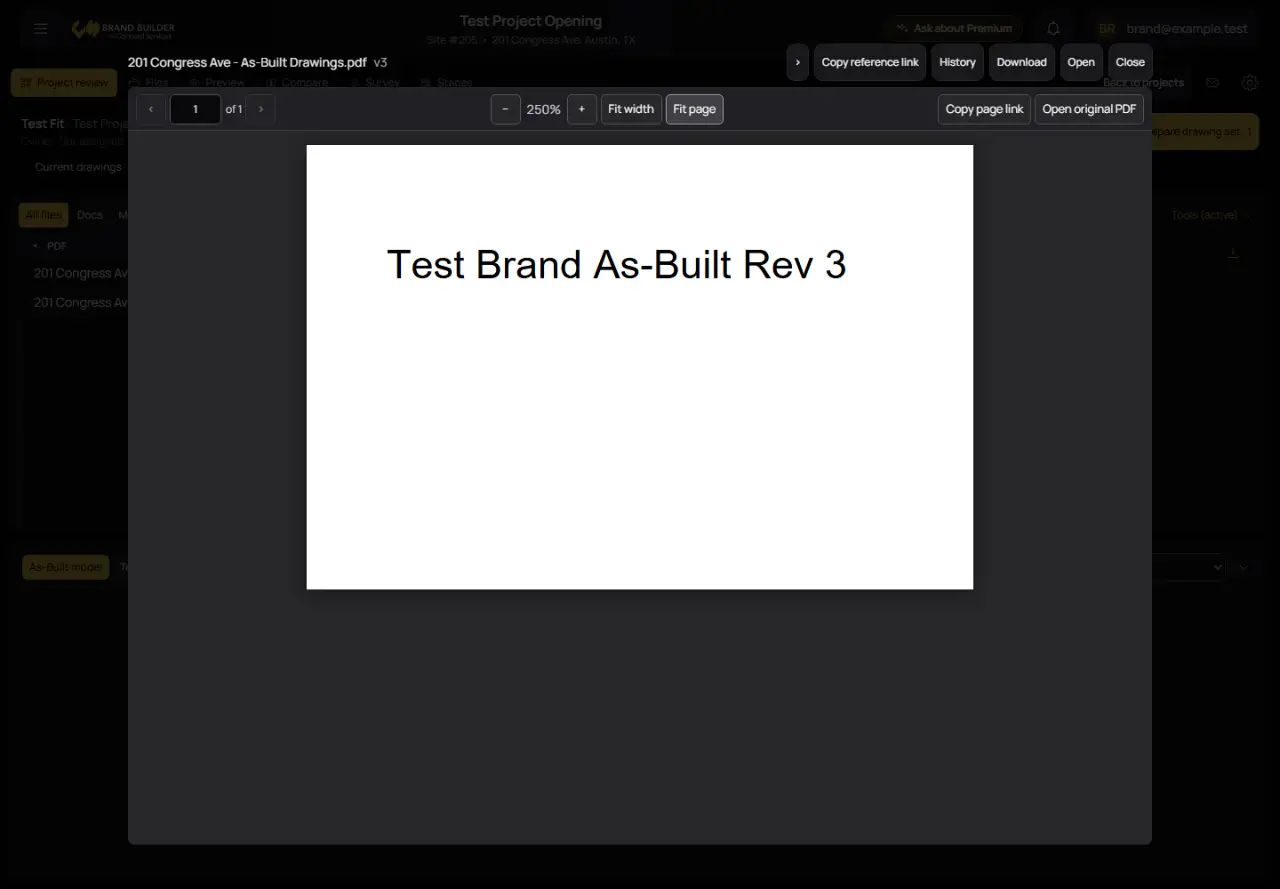
Continue keeps your recent projects easy to see and returns you to your last project view on this browser. For PDFs, it remembers the exact revision, page and zoom. The viewer includes page navigation, fit controls and selectable text, with an original-file link when needed.
4Prepare drawings without losing your place New
Prepare the designated drawing set and keep moving between projects while it gets ready. The package lists included revisions and any missing drawings before you download. Larger sets use individual downloads.
Also in this update
- Continue is personal to your account and this browser.
- Package preparation survives navigation inside the app. Reloading, closing or signing out clears it.
- Drawing assignments and project delivery status remain separate.