
Site truth · Brand Builder field guide
An as-built drawing is only useful when the field evidence comes with it.
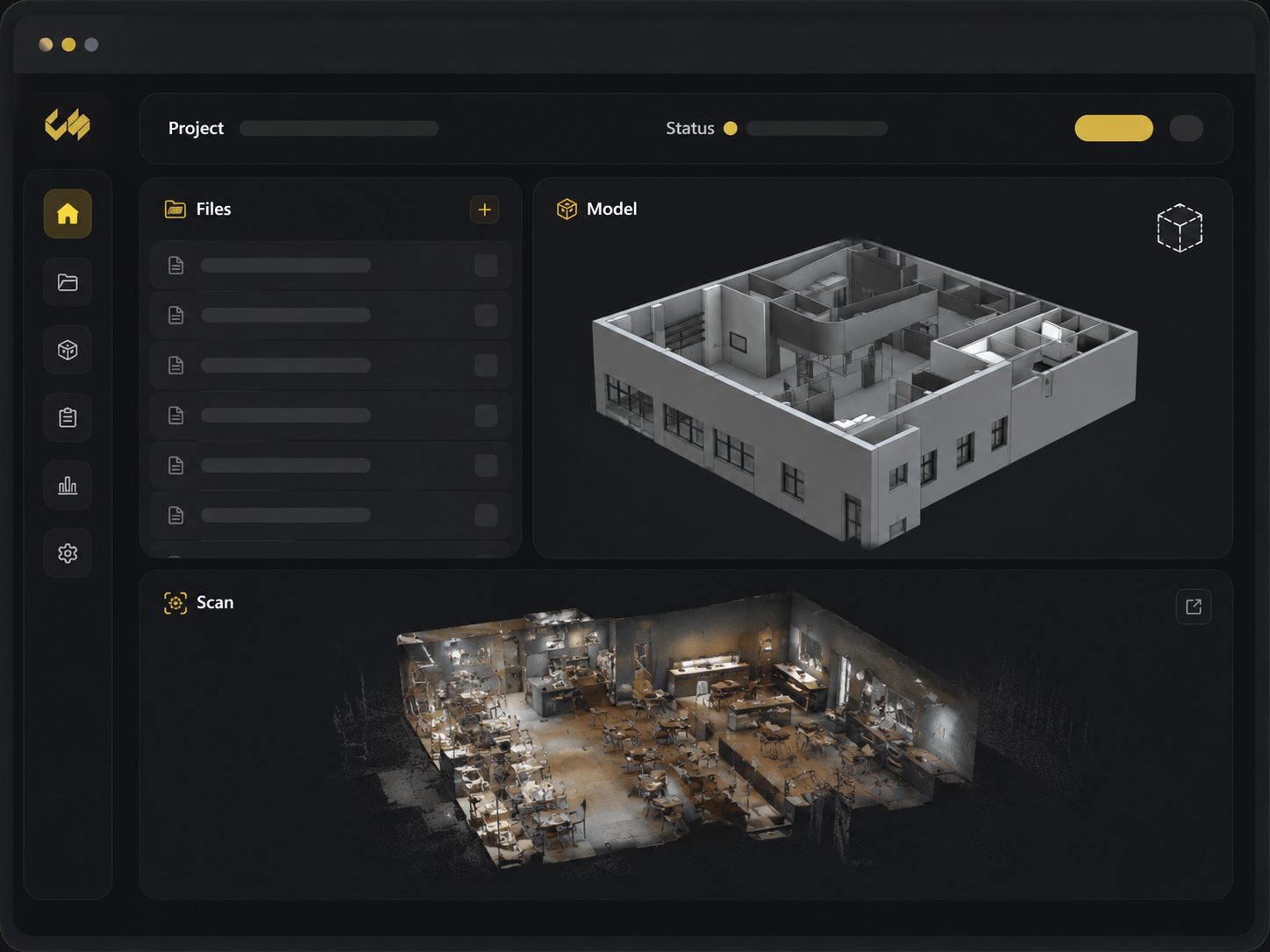
A PDF labeled as-built arrives with no capture date, no photos, and no way to check the questionable wall behind the cookline. Restaurant as-built drawing delivery should keep the drawing beside the scan, survey notes, source files, and revision history that explain where it came from.
The mess this fixes
Where this breaks in real life
A lone drawing asks the reviewer to trust a finished line without seeing the condition behind it. When a dimension looks wrong or a utility is unclear, the team hunts for photos, calls the surveyor, and guesses which source file produced the PDF.
The fix
What to change
Open the as-built from the restaurant project and review it beside the scan, photos, and field notes. Check the capture date and current version. If the drawing changes, replace it in the same record and leave the earlier version in the history.
Do it in this order
- 01
Check the field evidence
Start with the measurements, utility notes, photos, and scan captured at the restaurant.
- 02
Draw what exists
Produce the scoped PDF, DWG, model, and reports from those verified conditions.
- 03
Send the evidence with it
Keep the current drawing beside the scan, photos, field notes, and earlier version.
What should be easier afterward
- The architect can trace a dimension back to the field package
- A roof curb or utility question opens beside the drawing
- The previous as-built remains available after a revision
Sources and further reading
These sources support the workflow described here. They do not promise a specific customer result.
- 01Restaurant Site Survey — Nationwide Fast-Track ↗
Concept Services
Lists the Concept Services as-built formats, model, utility report, photos, and Brand Builder delivery workflow.
- 023D scans for architecture, engineering, and construction ↗
Matterport
Describes reality capture and scan-to-CAD/BIM outputs used as baselines for as-built modeling and coordination.
Questions people ask before using it
Which as-built formats can the package include?
The scoped Concept Services package can include PDF and DWG drawings, a 3D model, the Matterport scan, utility reporting, and organized photos.
Are as-builts the same as permit drawings?
No. As-builts document existing conditions. The architect and other responsible professionals determine the construction and permit document scope.
If this problem looks familiar
Send us the as-built package your designer keeps questioning.
We will identify the missing field evidence, source files, and review step.
Scope an as-built package