
Documents · Brand Builder field guide
Preview the drawing before you download another mystery PDF.
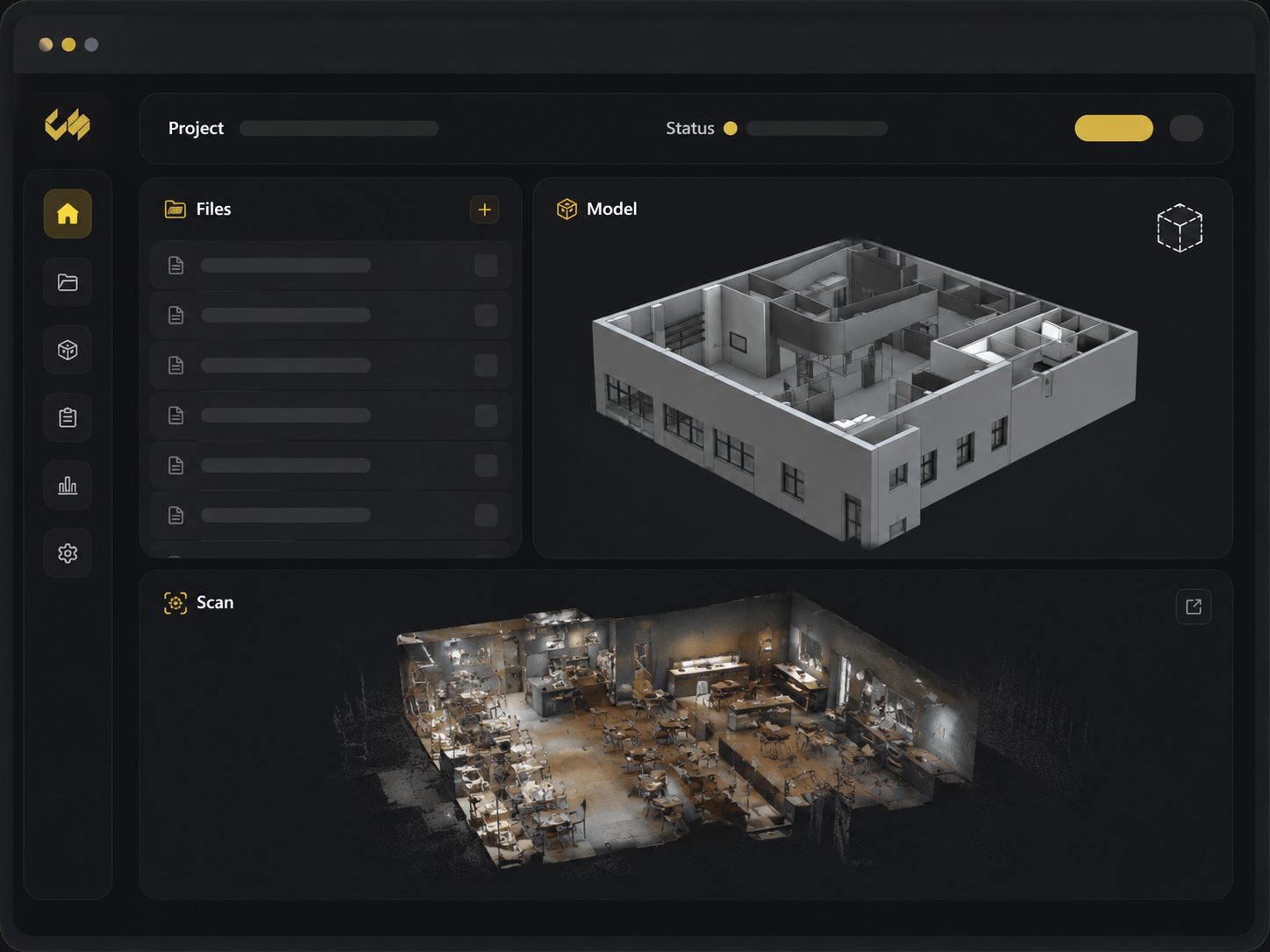
You download a 180-page set, wait for it to open, and learn it belongs to the wrong location. Construction document preview lets you check the file inside the restaurant project first, then download the source only when you actually need it.
The mess this fixes
Where this breaks in real life
Every blind download creates another unmanaged copy on somebody’s laptop. Reviewers waste time opening the wrong revision, the wrong discipline, or the wrong restaurant before they can decide whether the file answers the question in front of them.
The fix
What to change
Open the preview from the project record. Confirm the title, location, and visible content before downloading or opening a deeper model view. If the format cannot be previewed, the page should say that plainly and offer the source file instead of showing a broken pane.
Do it in this order
- 01
Find the project file
Use the project folders and categories to reach the relevant drawing, image, report, or model.
- 02
Preview before downloading
Check the sheet title and visible drawing before saving another local copy.
- 03
Take the right next step
Download, open the supported 3D viewer, or return to the project action with the evidence in view.
What should be easier afterward
- Faster first-pass review of supported files
- The restaurant name and file title remain beside the preview
- Graceful fallback when a preview is unavailable
Sources and further reading
These sources support the workflow described here. They do not promise a specific customer result.
- 01Work with Documents ↗
Autodesk
Covers construction document preview, version comparison, sharing, and retrieval in a managed record.
- 02How top restaurant brands reduce cost-to-build: Design ↗
Concept Services
Explains why digital drawings, 3D views, and shared project platforms improve early collaboration.
Questions people ask before using it
Can Brand Builder preview every construction file?
No. Preview support depends on the file type and generated preview status; the source download remains available when preview is not supported.
Do reviewers need Revit for every 3D view?
Supported browser viewers can expose selected model deliverables without requiring every stakeholder to install the authoring application.
If this problem looks familiar
Show us the drawing handoff that keeps wasting time.
We will organize the source files and make the first review easier.
Review a drawing handoff