
Site truth · Brand Builder field guide
Stop hunting through old email for the Matterport scan link.
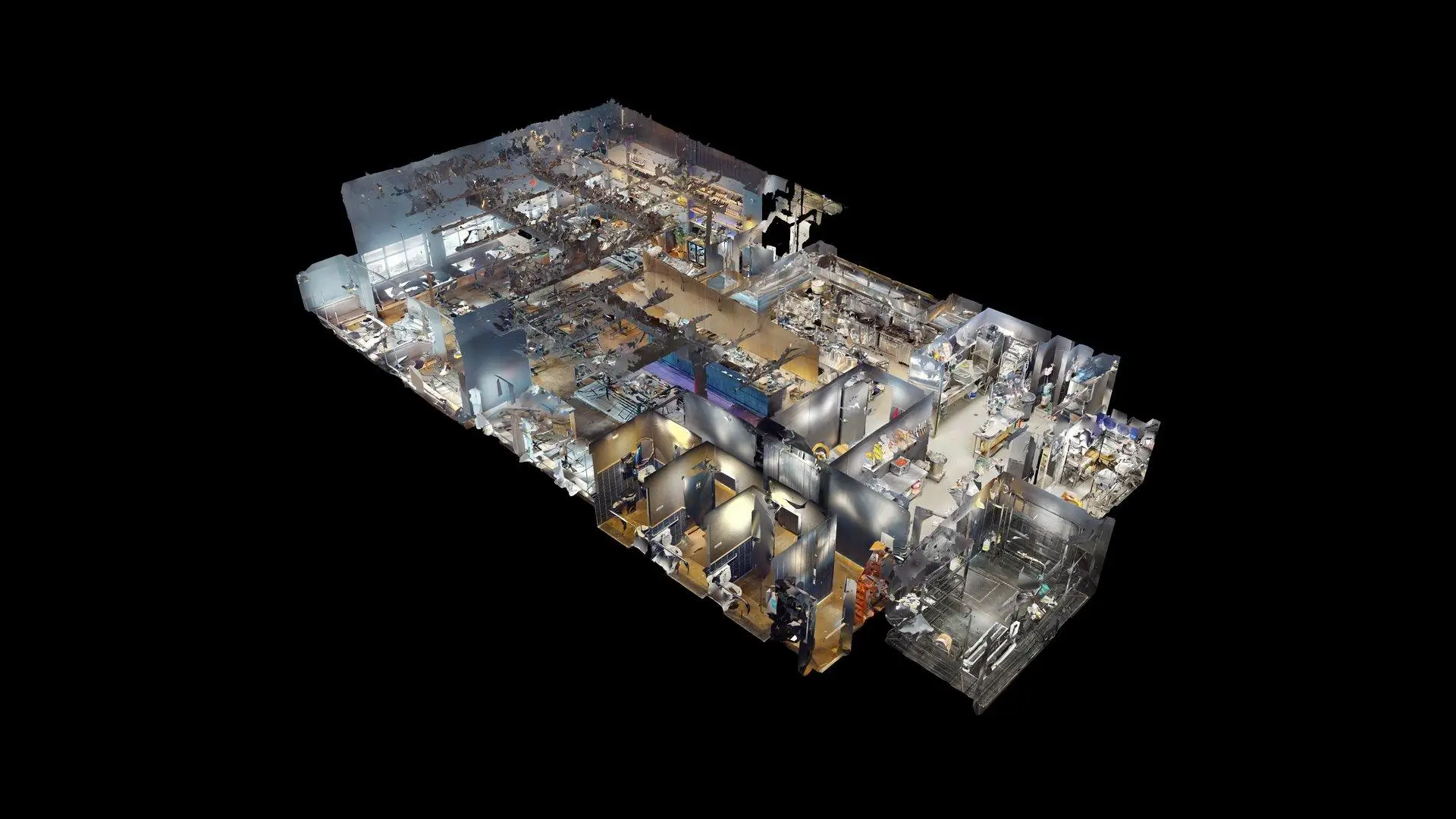
The person who ordered the scan left the company. The link is somewhere in a forwarded email, and nobody remembers which drawing used it. A Matterport scan portal keeps the walkthrough on the restaurant location with the survey, as-built, notes, and files it was captured to support.
The mess this fixes
Where this breaks in real life
A scan link by itself has almost no memory. It does not tell a new reviewer why the site was captured, which location it belongs to, when it was taken, or which design question it should answer. As the team changes, the scan becomes harder to find and easier to ignore.
The fix
What to change
Open the walkthrough from the restaurant project, inspect the existing condition, and move straight to the related drawing, survey question, or next action. Keep the scan with the location so the next reviewer does not need the original email thread.
Do it in this order
- 01
Scan the restaurant
Capture a walkable view of the dining room, kitchen, back rooms, and access points.
- 02
Attach it to the location
Keep the scan link in the same Brand Builder project as drawings, photos, and survey notes.
- 03
Write down what you found
Turn the remote observation into the drawing note, survey correction, or next action it affects.
What should be easier afterward
- A remote walkthrough tied to one restaurant location
- Scan access beside the site package
- A designer can revisit the room without asking for another phone video
Sources and further reading
These sources support the workflow described here. They do not promise a specific customer result.
- 013D scans for architecture, engineering, and construction ↗
Matterport
Documents Matterport uses for existing conditions, collaboration, progress, QA/QC, and handover.
- 02Restaurant Site Survey — Nationwide Fast-Track ↗
Concept Services
Shows how Concept Services includes Matterport capture within a broader restaurant survey and Brand Builder delivery package.
Questions people ask before using it
Is a Matterport scan the complete site survey?
No. It is a strong visual and spatial reference, but the Concept Services package also uses field measurements, utility details, photos, reports, and drawings.
Can every project user open the scan?
No. Only people granted that project can reach the scan, and the project must have a valid scan link.
If this problem looks familiar
Tell us which restaurant nobody can visit again this week.
We will scope the capture and make sure the scan supports the decisions your team needs to make.
Plan a Matterport capture