
Documents · Brand Builder field guide
Give the GC one current deliverable package—not six attachment threads.
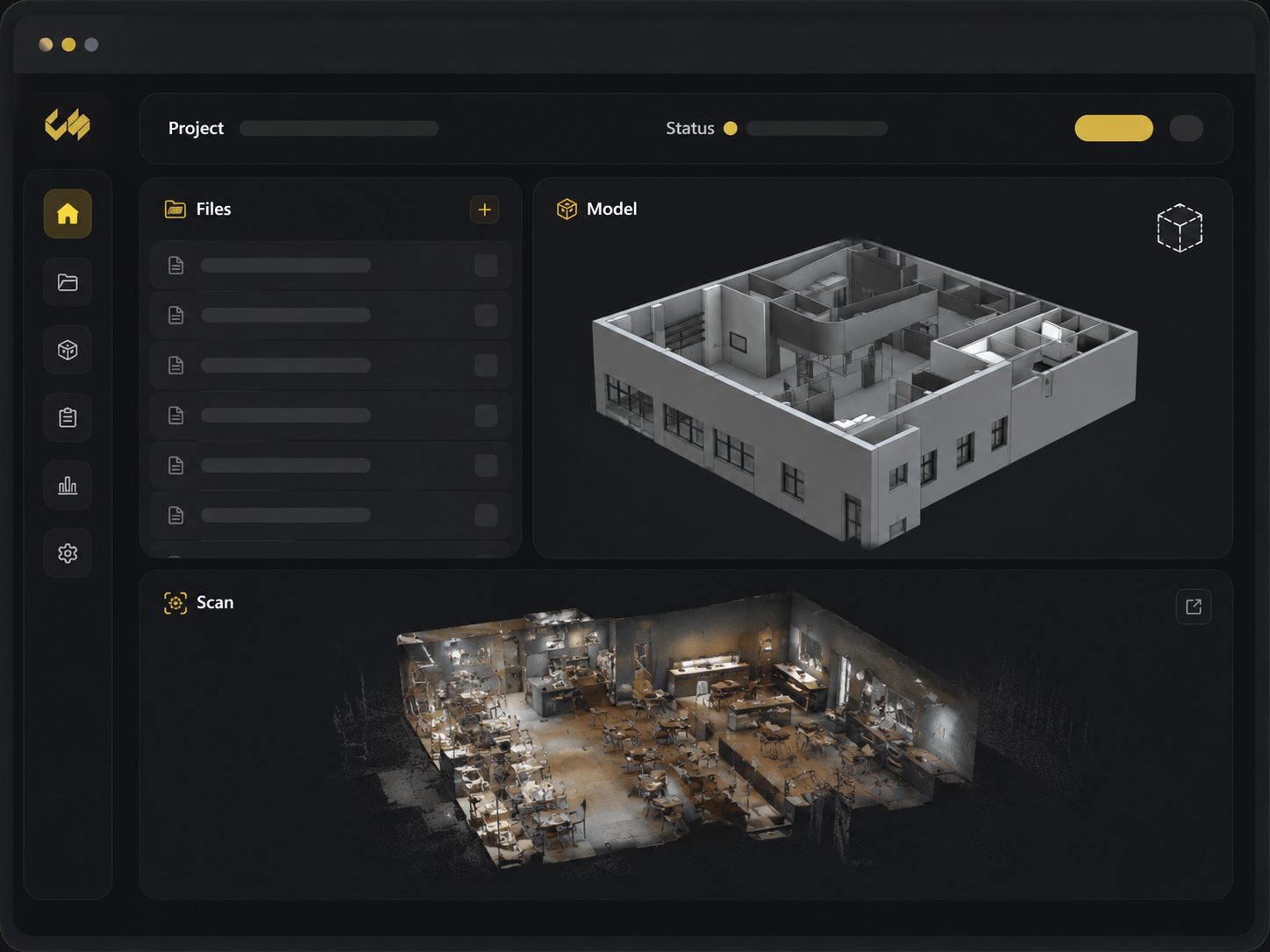
The architect sends a PDF. The foodservice consultant replies with a different set. The GC forwards both to a subcontractor who was never added to the drive. A construction deliverable portal gives each invited person one restaurant project and one current package to review.
The mess this fixes
Where this breaks in real life
Email attachments have too little context; broad shared drives often expose too much. A reviewer either receives a file with no project history or gets access to folders they do not need. Neither option makes it obvious whether the package is current.
The fix
What to change
Invite the person to the restaurant project, point them to the exact deliverable, and keep replacements in that same record. Give project-only access when that is all the job requires. Share the portal link instead of starting another attachment chain.
Do it in this order
- 01
Build the location package
Put the current scan, drawings, reports, photos, and notes under the right restaurant.
- 02
Invite only the reviewer
Give the GC, architect, or operator access to that project and nothing broader.
- 03
Send one link
Point every reviewer back to the package that will receive future replacements.
What should be easier afterward
- The GC receives one current package instead of six email threads
- A project reviewer cannot browse unrelated restaurants
- Replacing a drawing updates the link everyone already has
Sources and further reading
These sources support the workflow described here. They do not promise a specific customer result.
- 01About Autodesk Docs ↗
Autodesk
Explains shared construction information, permission control, structured folders, reviews, and audit trails.
- 02Restaurant Site Survey — Nationwide Fast-Track ↗
Concept Services
Shows a real Concept Services deliverable package distributed through Brand Builder to design, estimating, and field teams.
Questions people ask before using it
Can someone receive access to only one project?
Yes. Project-only access is available for selected locations without granting broad brand or platform administration.
Is the portal a public file share?
No. Project and file access are tied to authenticated, authorized users and the permissions assigned to them.
If this problem looks familiar
Pick one handoff that currently lives in email.
We will organize the package and set up the narrowest useful project access.
Set up one clean handoff