
Documents · Brand Builder field guide
Construction file management for the “FINAL-v7” mess.
The GC opens FINAL-v7 from email. The architect replaced it yesterday. The newer file lives in a shared-drive folder called Current, beside another folder called Latest. Restaurant construction file management should end that guessing game by keeping the current file on the location it belongs to.
The mess this fixes
Where this breaks in real life
A drawing detached from its restaurant project loses the things that make it useful: which location, which stage, who uploaded it, and whether it is still current. Copies spread through inboxes and laptops. A clean folder can become unreliable again as soon as somebody sends one attachment outside it.
The fix
What to change
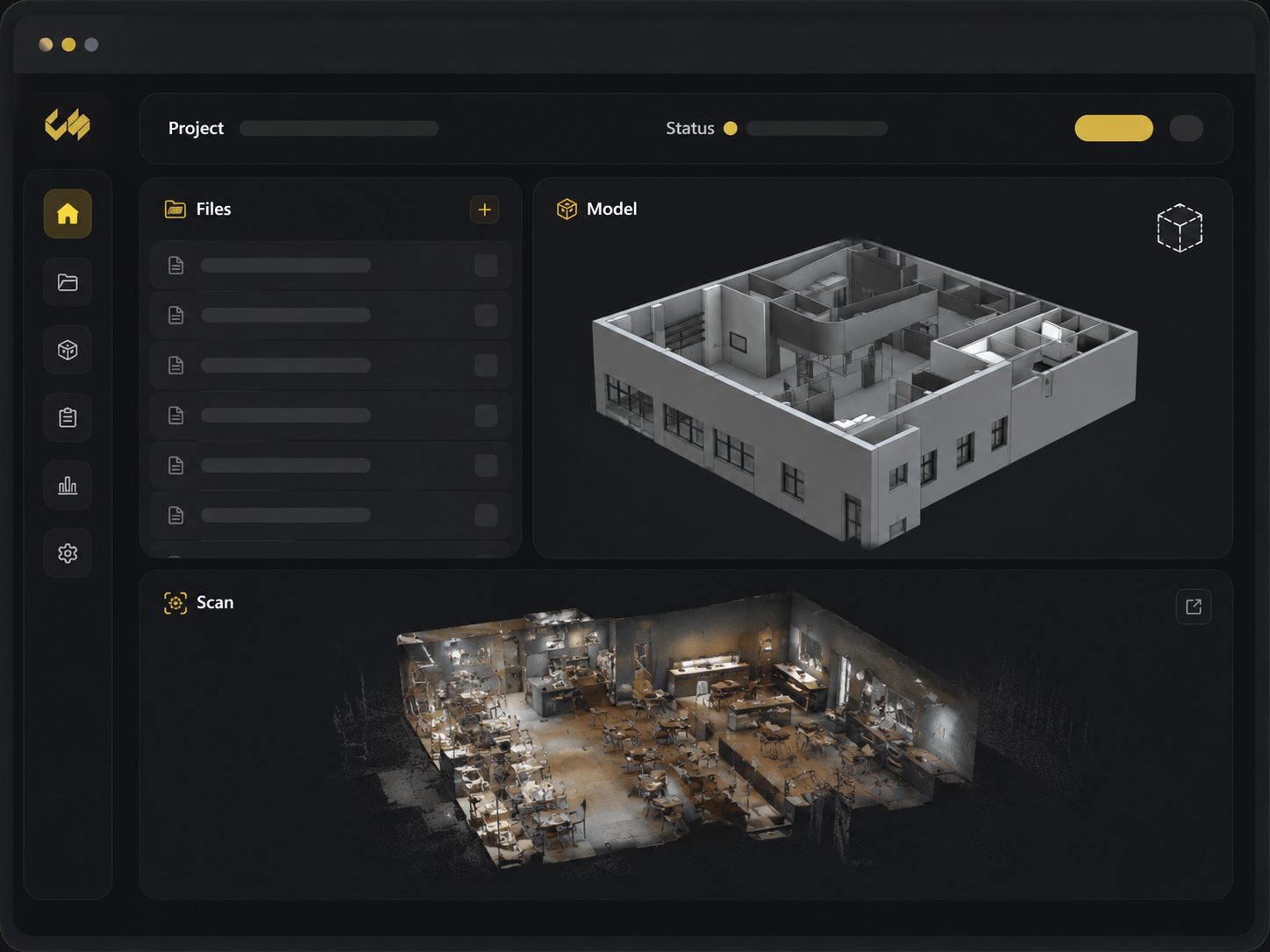
Put the file on the restaurant project, give it a name another person can understand, and keep related drawings, photos, scans, and reports in the same location package. Share the project link instead of creating another detached copy whenever the team can work from the portal.
Do it in this order
- 01
Put it on the restaurant
Upload the drawing, photo set, report, or model to the location it describes.
- 02
Name it for the next person
Use a plain file name and the folder the GC, architect, or operator will check.
- 03
Share the project link
Send people back to the current file instead of forwarding another attachment.
What should be easier afterward
- The GC can find the current set without calling the architect
- Drawings, scans, photos, and reports stay with the right restaurant
- A replacement does not create another FINAL-v7 copy
Sources and further reading
These sources support the workflow described here. They do not promise a specific customer result.
- 01About Autodesk Docs ↗
Autodesk
Documents the role of structured folders, permissions, version control, previews, and audit trails in construction information management.
- 02Restaurant Site Survey — Nationwide Fast-Track ↗
Concept Services
Shows the actual Brand Builder delivery pattern for drawings, reports, photos, models, naming, folders, and permissions.
Questions people ask before using it
What file types belong in Brand Builder?
The project can hold common drawings, PDFs, photos, models, point-cloud files, reports, and general supporting documents used by the rollout team.
Can every user change files?
No. Available file actions depend on the user's authorized project access and role.
If this problem looks familiar
Open the project folder nobody trusts.
Concept Services will identify the current files, missing pieces, and simplest clean handoff.
Clean up one project folder