
Control · Brand Builder field guide
A restaurant project dashboard should tell you who needs a call today.
Your Monday meeting starts with dozens of openings and one basic question: which location is actually in trouble? The spreadsheet is sorted by city, every row looks equally important, and the answer is scattered across email, files, and somebody’s notes. Brand Builder puts the blocker, owner, due date, and supporting file on the restaurant project that needs attention.
The mess this fixes
Where this breaks in real life
Most status calls waste the first twenty minutes rebuilding a story the team already discussed last week. One location is waiting on a utility report. Another has a test fit ready for approval. A third is healthy but takes up the same space on the list. By the time everyone agrees on what is happening, the meeting is almost over and nobody has named the next move.
The fix
What to change
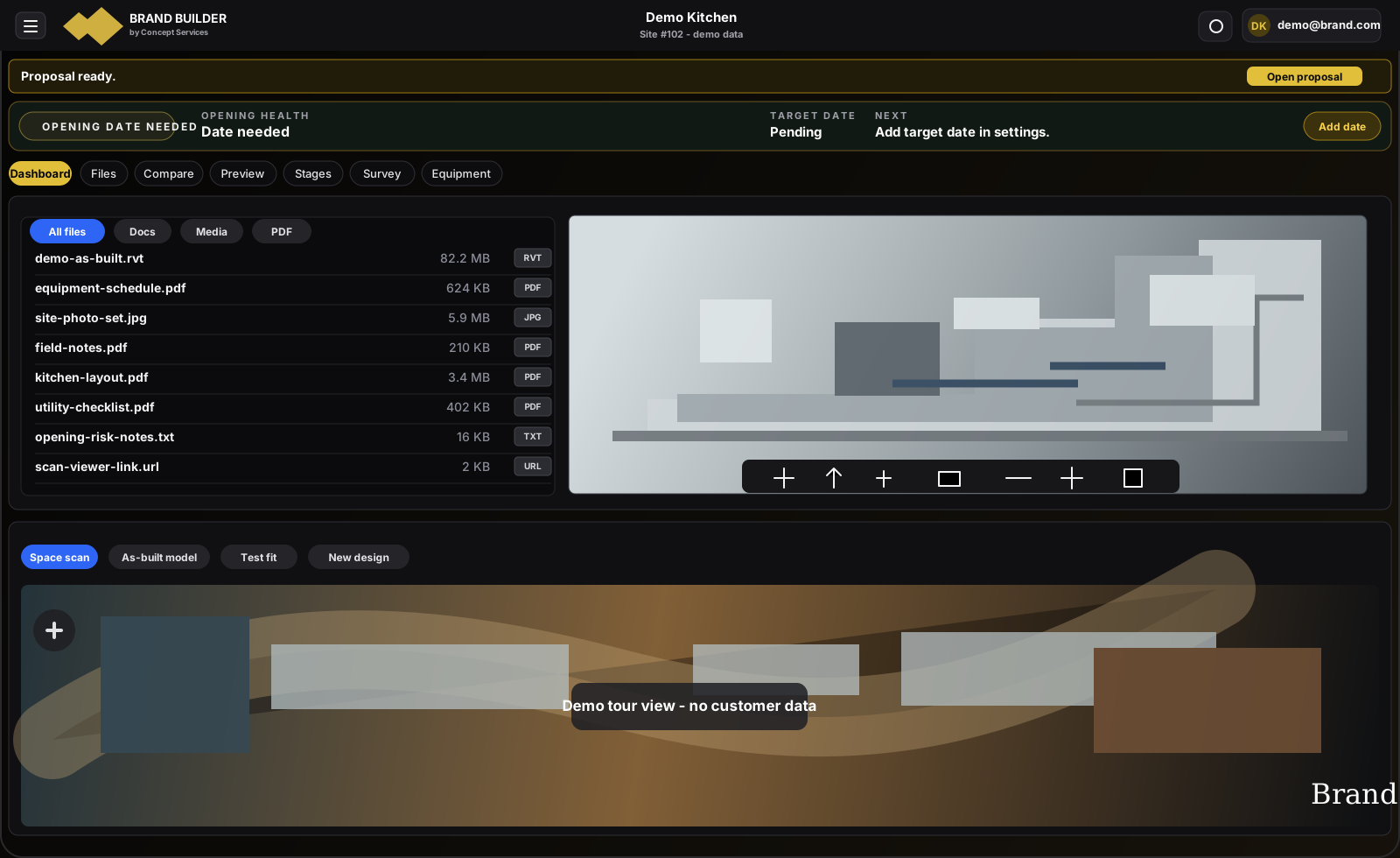
Filter to the locations marked for attention and open the first one. Read the blocker, owner, and due date together. Open the drawing, survey, or note that proves the issue. If the record has no owner or date, fix that before the meeting moves to the next restaurant.
Do it in this order
- 01
Find the red location
Filter the dashboard to openings that need attention this week.
- 02
Open the evidence
Read the blocker, owner, due date, and attached file on that restaurant.
- 03
Make the call
Contact the named owner and update the next action before moving to another location.
What should be easier afterward
- The two locations needing a decision appear first
- Every blocker names an owner and due date
- The drawing or report behind the warning opens from the same page
Sources and further reading
These sources support the workflow described here. They do not promise a specific customer result.
- 01Project Management ↗
Concept Services
Shows who Concept Services calls, follows, and holds responsible when a restaurant opening stalls.
- 02The 5 Ps of restaurant brand expansion ↗
Concept Services
Explains why each location, file, partner, and decision needs to stay on the same project page.
Questions people ask before using it
Is this dashboard only for Concept Services staff?
No. Authorized brand and project users see the locations assigned to them, while administrative controls remain limited by role.
Does the dashboard replace project management?
No. It shows which location needs action and why. Concept Services still makes the calls, follows the missing work, and updates the project.
If this problem looks familiar
Bring us your three messiest openings.
We will show you where the record breaks, who needs to act, and what should be fixed first.
Show us 3 stuck openings